
Did you see our guide for running Android 4.0 in VMWare from two years ago? We’ve updated the instructions, below, to help you get the newest version of Android running to use as a product development tool.
- Download and setup VMWare Player 6 (note that you will need VMWare Player Plus or VMWare Workstation in a commercial environment. I typically use VMW Workstation with great results).
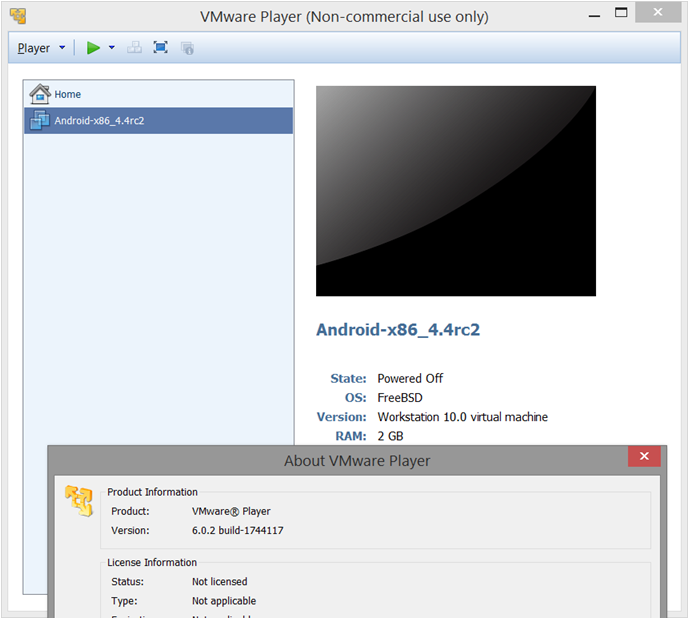
- Get the newest Android-x86-4.4 from android-x86.org; I used android-x86-4.4-RC2.iso for this setup.
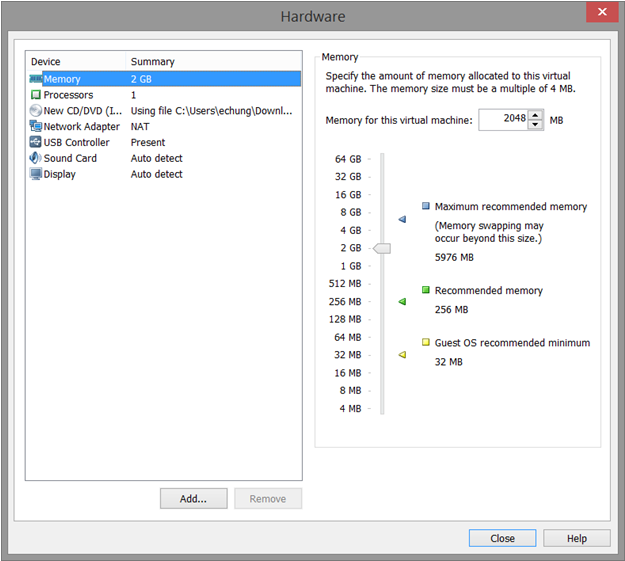
- Open VMWare Player. Use the Create a New Virtual Machine link to start the “New Virtual Machine Wizard” – set it to “Install from” the Android ISO file you downloaded. You’ll want to customize the machine and raise the RAM to 2GB before you finish!
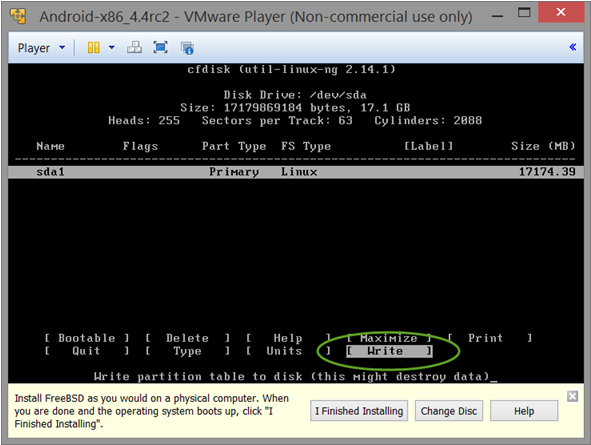
- When the VM starts, select the Installation option. In the next few screens, you’ll need to setup the VM for installing Android – don’t forget to write your changes when creating a Primary Bootable partition.
- It should only take a few minutes to write the OS files, at which point it will reboot once more before putting you into the Android OS. Congratulations! You’re already done!
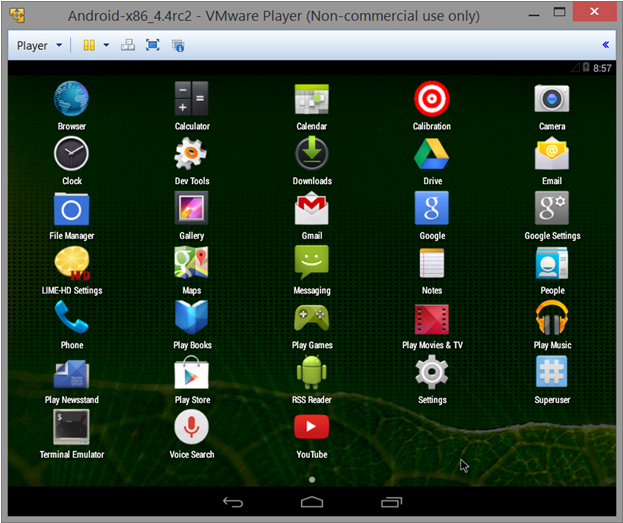
 Like last time, I’ve included a shortcut for you – click this link to download the VMWare files I used in this example. You’ll be able to unzip them and use Player->File->Open to get into this clean Android 4.4 right away!
Next Steps:
- Contact SPK and Associates to see how we can help your organization with our ALM, PLM, and Engineering Tools Support services.
- Read our White Papers & Case Studies for examples of how SPK leverages technology to advance engineering and business for our clients.
Edwin Chung
District Professional Services Coordinator, SPK & Associates