



Key Takeaways
- Creo keeps design and manufacturing connected: Integrated manufacturing extensions use native Creo CAD data, reducing data translation, geometry cleanup, and broken associativity.
- Creo supports a wide range of manufacturing processes: High-speed milling, multi-axis machining, turning, wire EDM, simulation, and composite manufacturing can all be managed within the Creo environment.
- Simulation helps reduce scrap and quality issues: NC verification, collision detection, stock models, and material analysis help teams catch problems before machining begins.
- Standardized workflows improve speed and repeatability: Reusable templates, start models, automated setup documentation, and connected manufacturing data can help reduce cycle time while supporting quality and compliance.
Engineering teams often encounter a few challenges during the transition from a completed 3D design to a finished physical part. Traditionally, this handoff involves data translation, geometry cleanup, and a complete break in associativity. When a design change occurs, the NC programmer may have to start from scratch, leading to delays, increased costs, and potential quality escapes. For CAD engineers and Creo users, the goal is to bridge this gap. The “business of engineering” requires a path to production that is fast, accurate, and cost-effective. PTC Creo addresses this through a comprehensive suite of manufacturing extensions designed to keep the digital thread intact from the first sketch to the final toolpath.

Creo Manufacturing Extensions
Creo manufacturing extensions are not just add-ons to the Creo platform. They are integrated environments that allow engineers and machinists to work within the same common data model. By eliminating the need for neutral file formats like STEP or IGES, these tools ensure that the 3D CAD data is used directly for manufacturing.
High-Speed Milling (HSM)
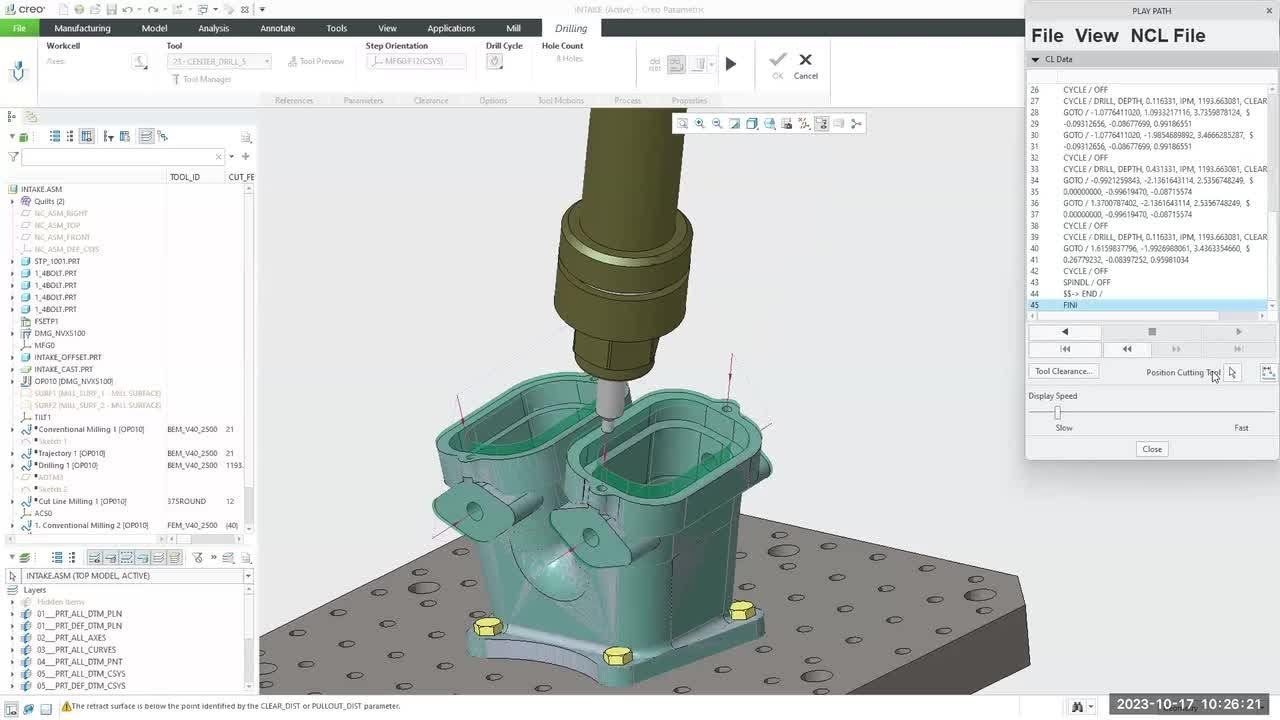
Creo High Speed Milling and HSM Advanced, powered by ModuleWorks, are designed for modern, high-precision machining. The standard HSM extension delivers 3-axis capabilities for roughing, rest roughing, finishing, and rest finishing. For more complex geometries, HSM Advanced adds 5-axis roughing, auto-deburring, and specialized strategies that maximize tool life and surface quality.

NC Machining Strategies
Beyond high-speed milling, Creo offers a full breadth of NC capabilities. This includes:
- Prismatic and Multi-Surface Milling: Supporting 2.5-axis feature-based machining and 3-axis surface milling.
- Production and Complete Machining: Extensions that cover 2- to 4-axis turning, wire EDM, and comprehensive hole-making.
- Simulation and Verification: All manufacturing solutions include NC simulation to detect collisions and gouges before the tool ever touches the material.
Composite Design and Manufacturing (CDM)
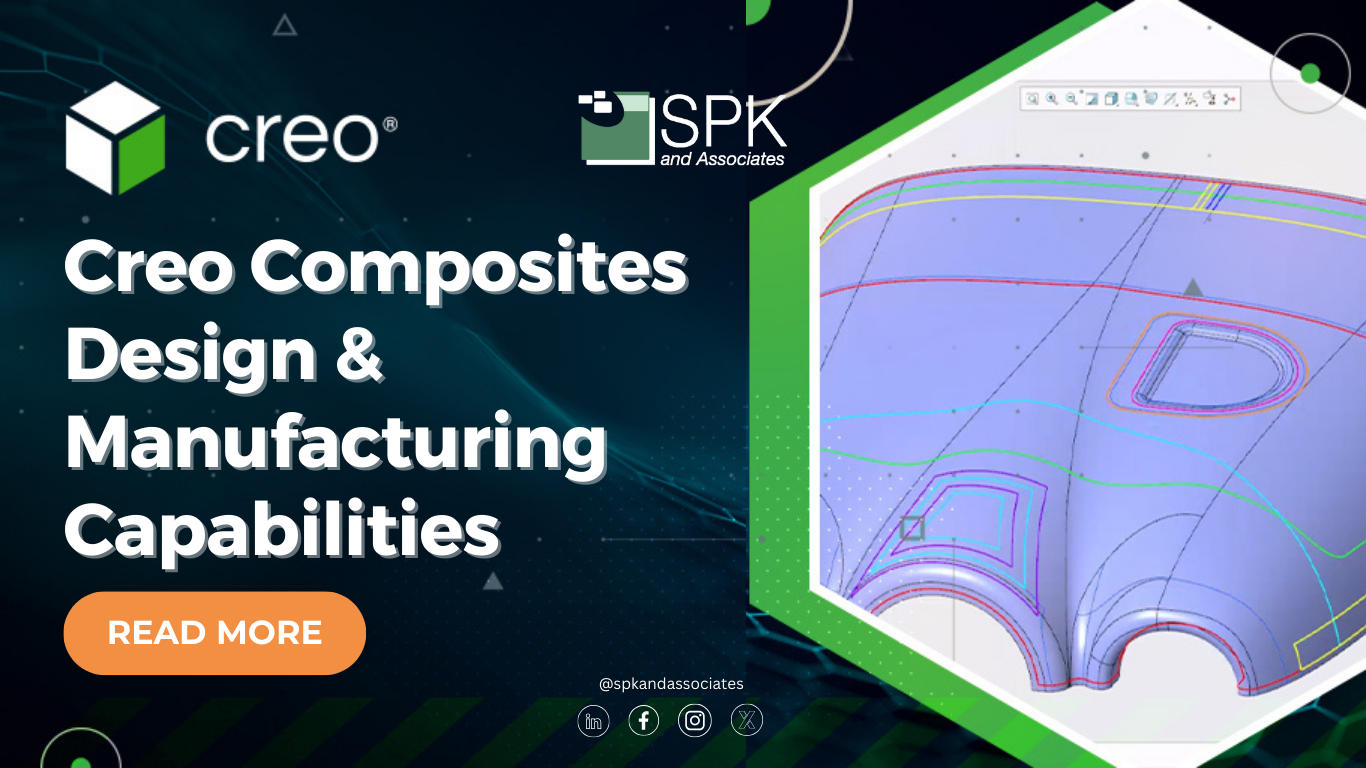
As industries like aerospace, defense, and wind energy move toward lighter, stronger structures, composites have become essential. The Creo Composite Design and Manufacturing extensions (CDM and CDMA) allow engineers to design, simulate, and validate composite products without leaving the Creo environment. These tools manage ply stackups, perform draping simulations to ensure producibility, and automatically generate the flat ply contours and laser projection files needed on the shop floor.
What Are the Benefits of These Tools?
The primary benefit of using integrated Creo extensions is the maintenance of CAD data associativity. When users modify a design, the associativity-linked toolpaths update automatically. This eliminates the high cost of recreating NC sequences and ensures that manufacturing is always working from the latest version of the truth.
Other key benefits include:
- Reduced Non-Value-Added Work: Engineers spend less time on data translation and geometry cleanup and more time on optimization.
- Improved Surface Quality: Precision toolpaths and high-speed machining strategies result in better finishes, reducing the need for manual post-processing.
- Enhanced Collaboration: With a familiar Creo UI and context-sensitive menus, the learning curve is reduced, and communication between design and manufacturing teams is streamlined.
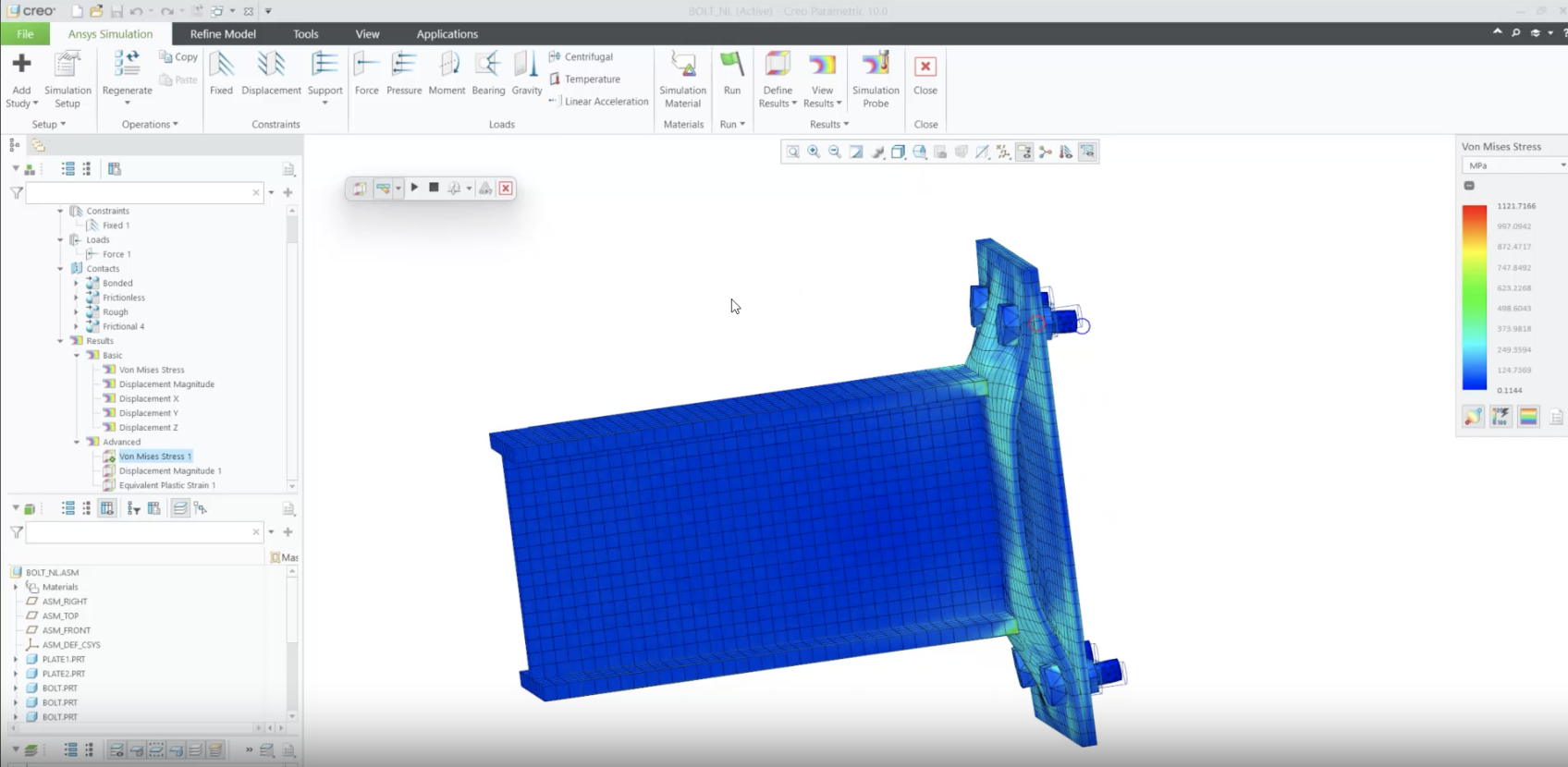
- Fail-Safe Simulation: In-process stock model creation and color-coded material analysis allow for immediate visual feedback, reducing the risk of expensive scrap or machine damage.
How Creo Extensions Help Manufacturers
Modern engineering can get competitive. Manufacturers face constant pressure to lower costs and improve speed and quality. Disconnected systems make this difficult. They can create reporting blind spots or manual workarounds that eat into profit margins. Creo manufacturing extensions help solve these operational pains by enabling concurrent design and manufacturing. For example, in regulated industries like medical device manufacturing, the ability to automate process documentation and maintain a clear digital thread is a significant advantage. The extensions automate the generation of “plybooks” for composites and NC setup sheets for machining, ensuring that compliance and quality records are accurate and easily auditable.

Furthermore, these tools support “start models” and reusable XML templates. By pre-loading fixtures, work centers, and tool parameters, organizations can standardize their manufacturing processes. This repeatability reduces cycle times and allows companies to win new business by offering rapid turnaround times on production geometry.
Using Creo Manufacturing Extensions
The real challenge of modern product development isn’t complexity; it’s the visibility and flow of data from concept to the CNC machine. By leveraging Creo manufacturing extensions, engineering organizations can break down the silos between design and the shop floor. Moving to an integrated manufacturing environment reduces rework, lowers the cost of quality, and ensures that your engineering goals are met with operational confidence. At SPK and Associates, we help engineering teams modernize their toolchains and optimize their digital threads. If you are ready to unlock the full power of your Creo environment, our team understands the technical realities of CAD/CAM integration and can help you put these powerful Creo extensions to work effectively. Contact us today to get started.